Remove a machine
Remove a PC that is retired, lost, stolen or being moved to another hospital.
- Go to Admin → Machines.
- Find the machine and select Remove.
- Read the question and select Remove.
MedBrains says Machine removed. Its access ends within 30 seconds. In tests it ended in one to two seconds. Removing the machine also ends any copy of its key someone may have taken.
The removed PC shows Cannot reach the main machine:
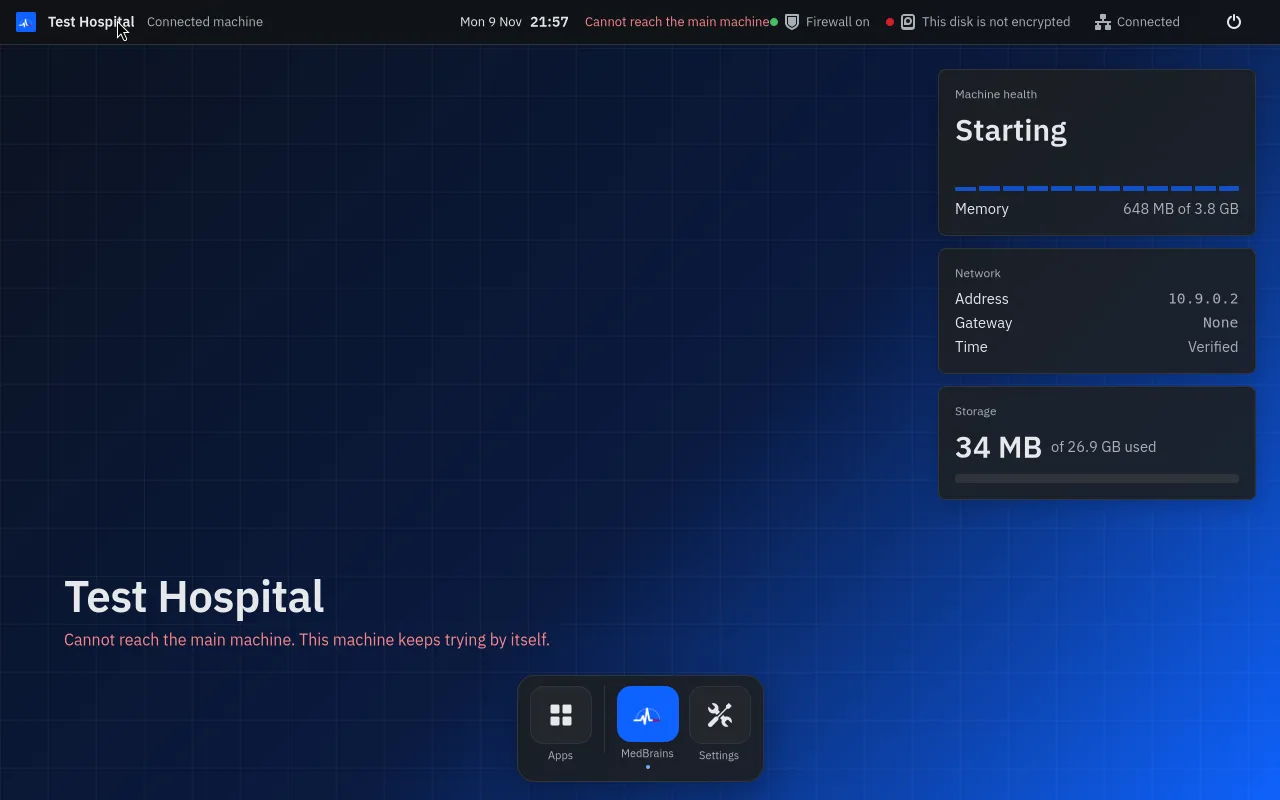
To use it again, set it up and join it again.